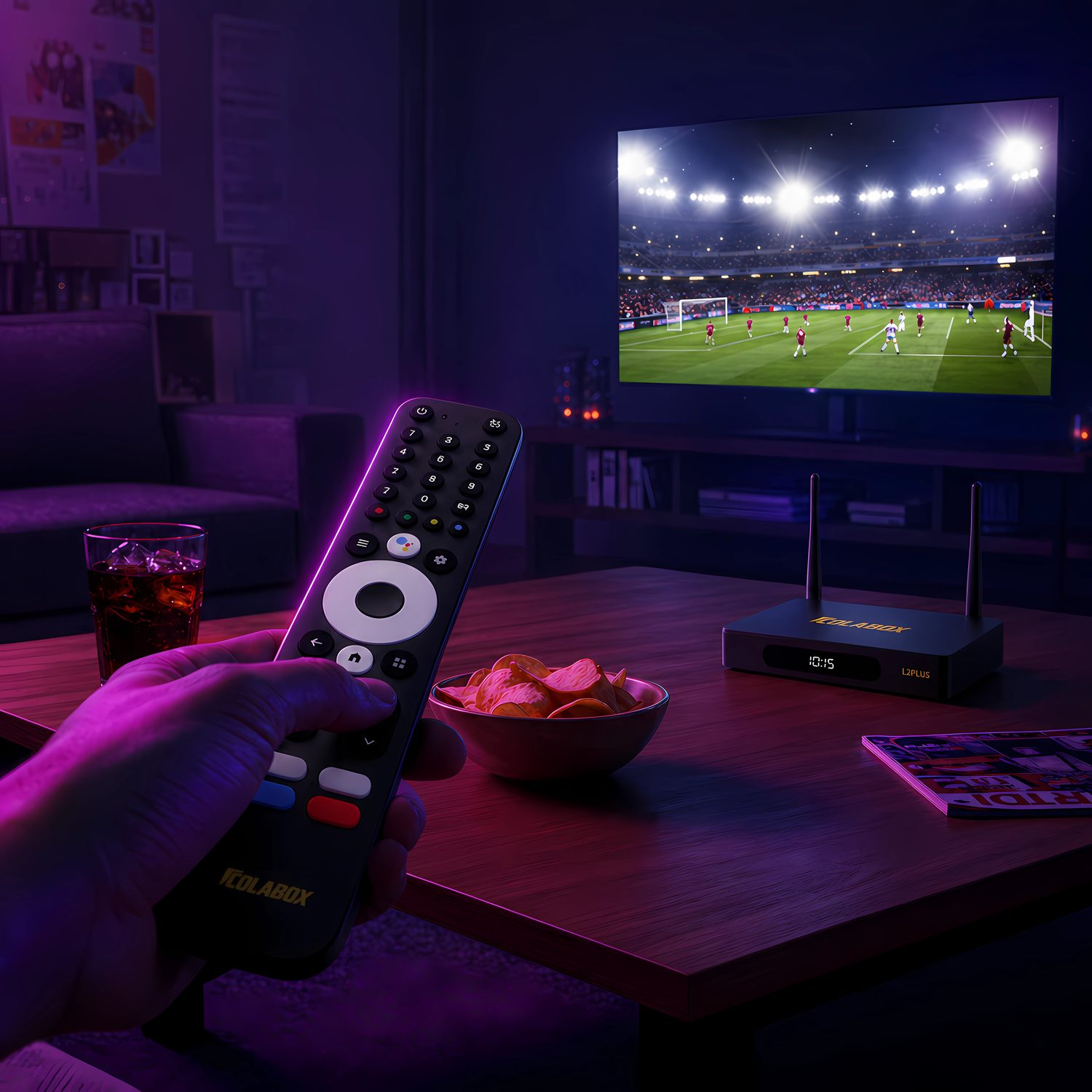
Choosing between a full-size streaming box and a compact HDMI stick is less about finding a universal winner and more about matching the hardware to the screen. L2 Plus is designed around main-TV performance and connection flexibility. V1 Plus prioritizes portability and a compact installation.
The Main Difference
ColaBox L2 Plus is the more fully connected device. It includes 4GB of RAM, 64GB of storage, Gigabit Ethernet and a broader set of physical ports. ColaStick V1 Plus fits directly into an HDMI setup, uses 2GB of RAM and 32GB of storage, and is easier to move between rooms or take with you.
Choose L2 Plus for a permanent main-TV setup. Choose V1 Plus when small size and portability matter more than wired Ethernet or expanded ports.
Choose ColaBox L2 Plus If…
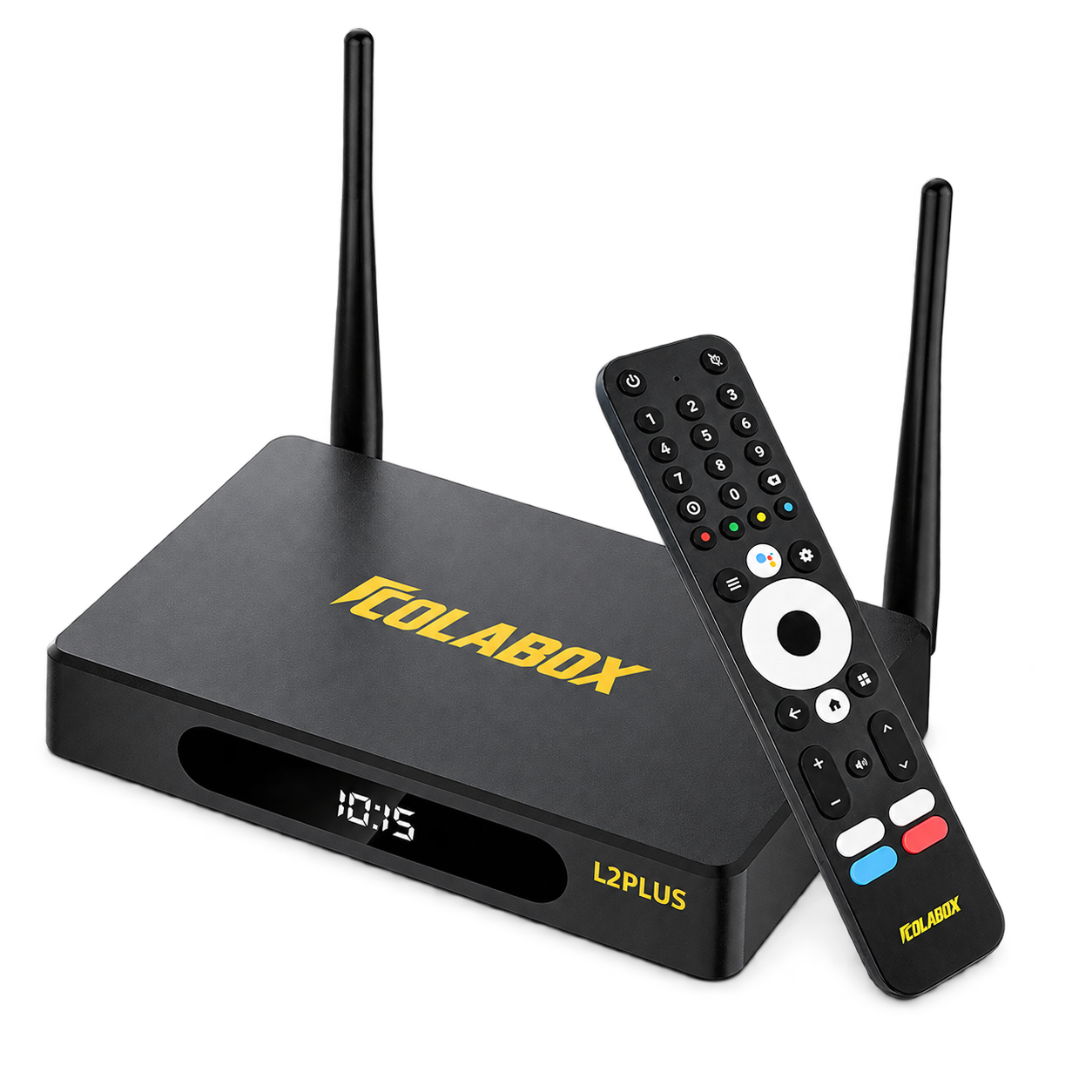
Your main TV is the priority
L2 Plus is a natural fit for a living room, theater or other permanent installation. Gigabit Ethernet can provide a stable wired connection, while USB, optical audio, AV and TF-card support provide more ways to integrate the device.
- 4GB RAM and 64GB storage
- Gigabit Ethernet plus dual-band Wi-Fi 5
- Optical SPDIF and two USB 2.0 ports
- Two external Wi-Fi antennas
Choose ColaStick V1 Plus If…
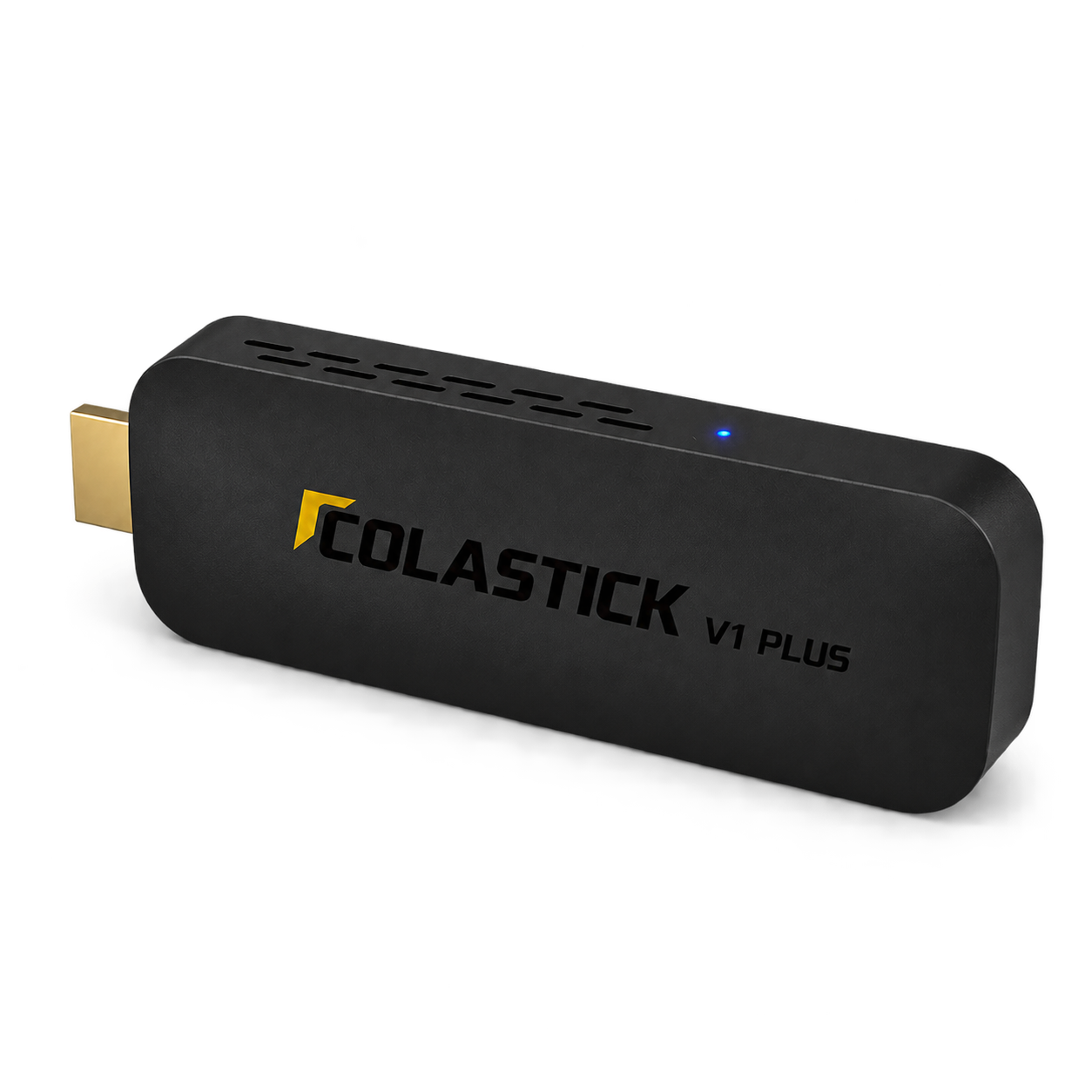
You watch in more than one place
V1 Plus is designed for second TVs, bedrooms, travel, hotels and RVs. It connects through HDMI and takes power over USB-C, reducing the amount of hardware you need to pack or place near the display.
- 2GB RAM and 32GB storage
- Dual-band Wi-Fi and Bluetooth 5.0
- HDMI 2.0 output and USB-C power
- Compact form factor for portable use
Performance Comparison
Both devices share the same basic Android 14 platform and support 4K Ultra HD output at up to 60fps. Their differences are most visible in memory, storage, networking and physical expansion.
| Feature | L2 Plus | V1 Plus |
|---|---|---|
| Form factor | Full-size media player | Portable HDMI stick |
| RAM | 4GB | 2GB |
| Storage | 64GB | 32GB |
| Ethernet | Gigabit Ethernet | Not included |
| Wi-Fi | Dual-band Wi-Fi 5, two antennas | Dual-band Wi-Fi |
| 4K | Up to 60fps, HDR10+ | Up to 60fps, HDR10+ |
| Portability | Permanent-room focused | Pocket-size, travel focused |
| Recommended use | Main TV, theater, wired setup | Second TV, bedroom, hotel, RV |
Which One Works Better for a Main TV?
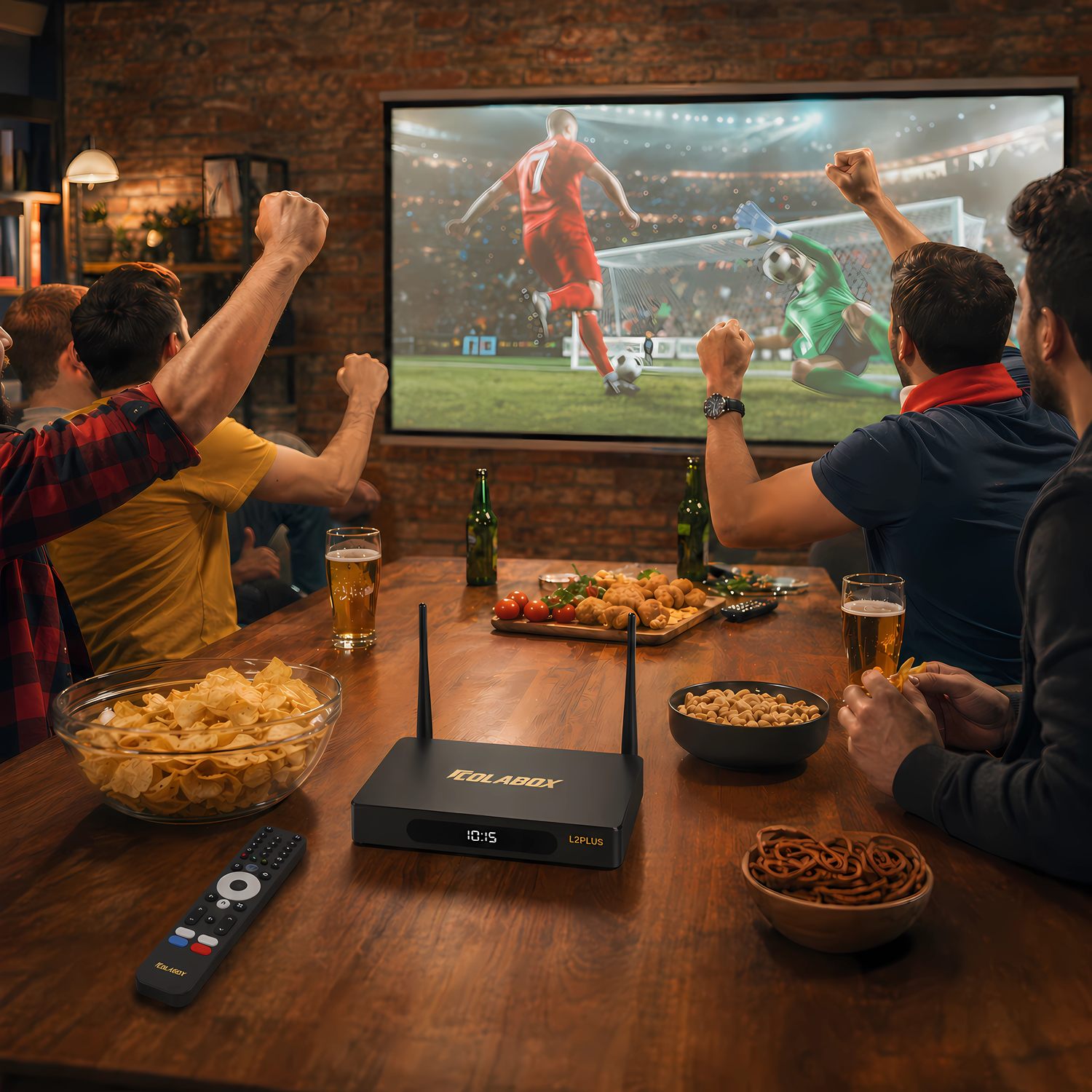
For a TV that stays in one room, L2 Plus provides more headroom and more ways to connect. The additional memory and storage are useful for a larger app library, while Gigabit Ethernet can be valuable when the entertainment center already has a network cable.
That does not mean V1 Plus cannot work on a main TV. It means L2 Plus is designed for people who value a broader connection set and expect the device to remain part of a fixed system.
Which One Is Better for Travel?
V1 Plus is easier to carry. Its HDMI-stick form factor, USB-C power and compact remote make it better suited to hotel rooms, vacation rentals, RVs and temporary screens. Always confirm that a display has an accessible HDMI input and that the network allows personal streaming devices.
Should You Buy the Whole-Home Bundle?
The Whole-Home Bundle combines one L2 Plus and one V1 Plus. It is intended for households that want a full-size device on the main TV and a smaller device for a bedroom, guest space or travel bag. Buying the bundle does not merge third-party accounts or remove app subscription requirements; each service keeps its own terms.
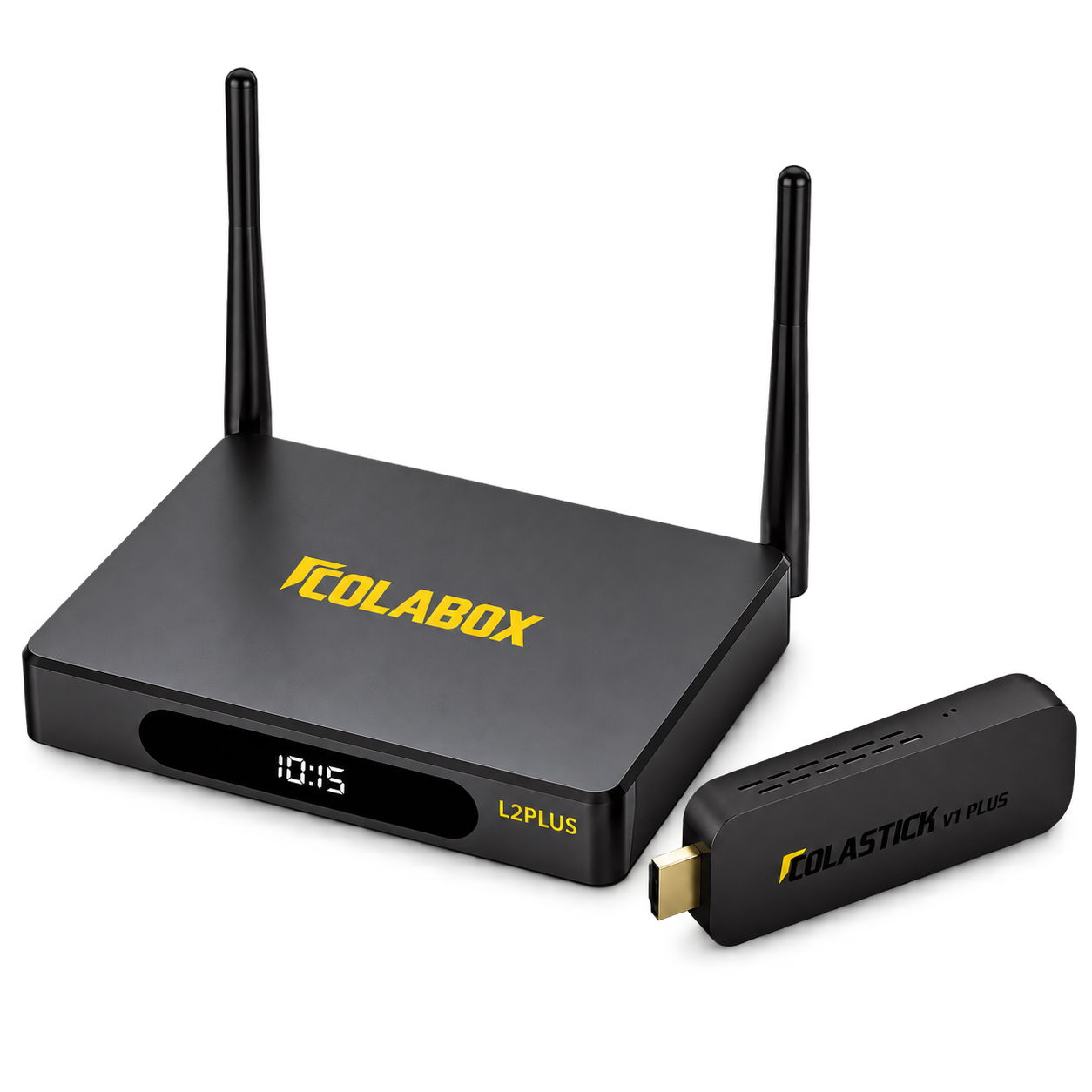
One ecosystem, two screens
Main TV + second TV
A practical combination when your rooms have different hardware needs.
See the Whole-Home Bundle →Final Considerations
Start with the room, not the specification sheet. If the device will anchor a main entertainment setup, L2 Plus offers the stronger connection set and more local storage. If it will move frequently or live behind a second screen, V1 Plus keeps the installation compact.
Both require a compatible HDMI display, power and an internet connection for online apps. Third-party content availability, accounts and subscription fees remain subject to each provider.